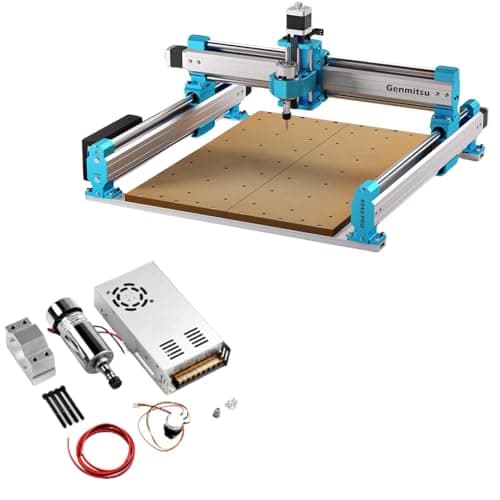
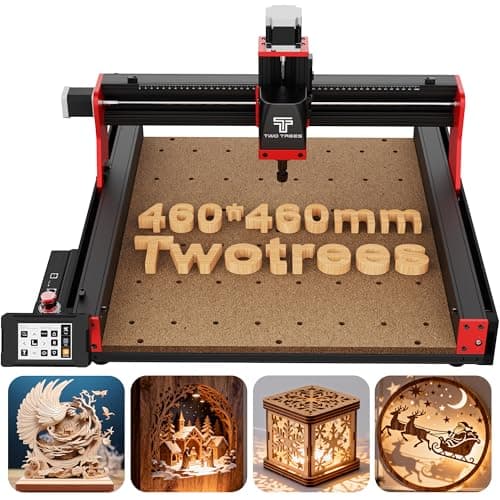
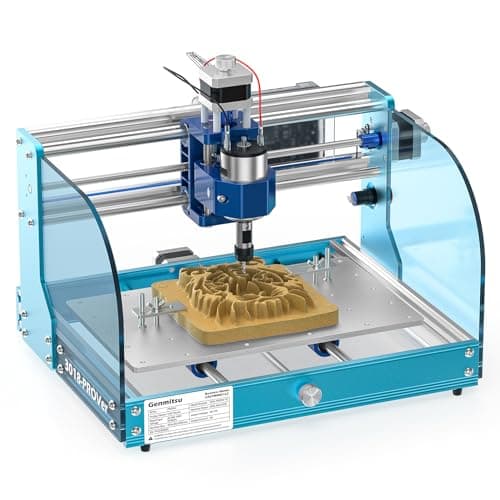
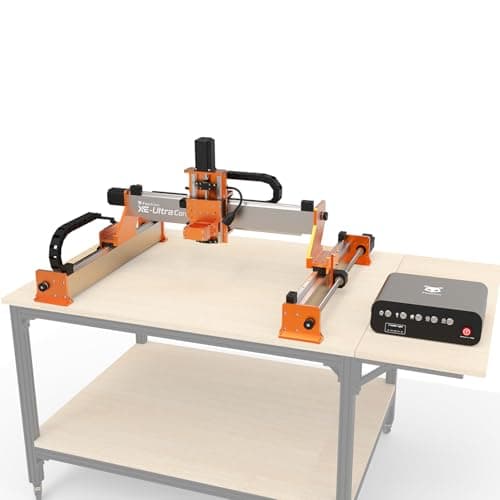
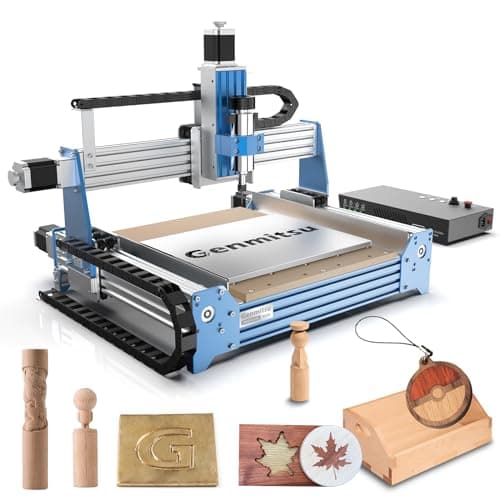
A CNC router does not make you faster at woodworking. It makes you capable of work you could not do by hand — inlay, repeated identical parts, three-dimensional carving — at the cost of learning an entirely separate craft. Anyone who tells you a hobby CNC is plug-and-play has not set one up.
Two specifications decide everything. Work area sets what you can cut without tiling a job across multiple setups: a 300 x 180 mm bed handles coasters, inlay and small signs; 400 x 400 mm handles drawer fronts and cabinet parts. Frame rigidity sets surface finish. A flexing gantry chatters, and chatter shows up as ripples in the cut that no amount of sanding fully removes.
Everything else — spindle versus trim router, offline controller versus laptop, limit switches — is a convenience question. Important, but secondary to a bed that fits your work and a frame that does not flex.
Be clear-eyed about the third cost: software. Every machine here needs a CAD step (drawing the part), a CAM step (turning the drawing into toolpaths), and a sender (streaming the file to the machine). Free options exist for all three and they are perfectly good. Learning them is the real barrier, and it takes weeks, not an afternoon.
How to choose a CNC for wood
Work area: measure the part, not the sheet
The common mistake is sizing for a full sheet of plywood, which no desktop CNC can take. Size for the largest single part you want to cut in one setup. A drawer front is around 500 x 150 mm; a cabinet door rail is 600 mm long. Once you know that number, everything else follows — and if your parts genuinely exceed 400 mm, you are looking at a different class of machine than anything on this page.
Rigidity: mass and material, in that order
A CNC cuts by dragging a spinning bit sideways through wood, and that side load tries to deflect the gantry. Steel and thick aluminum extrusion resist it; thin extrusion and printed brackets do not. This is why the heaviest machine here also produces the best surface finish, and why an all-metal frame at a mid price is a better buy than a lighter frame with a fancier controller.
Spindle or trim router?
A trim router is loud, has a narrow useful speed range, and has to be switched on by hand. A spindle is quieter, holds speed under load, and is controlled by the job file — which matters because different bits want genuinely different RPM. If two machines are otherwise close, the one with a spindle is the better long-term buy. If you already own a compact router, a router-mount machine saves real money up front.
The costs nobody quotes you
Bits. CNC bits are not handheld router bits. You want single-flute upcut and downcut end mills, a V-bit for lettering, and a ball-nose for 3D work. Budget for breaking several while you learn feeds and speeds.
Workholding. A CNC cannot hold the work for you. Most people end up with a sacrificial MDF spoilboard, threaded inserts and cam clamps, or double-sided tape for small parts. Plan this before the machine arrives.
Dust. A bare CNC throws chips across the whole shop. A dust shoe around the cutter connected to a shop vac is close to mandatory, and an enclosure is a real quality-of-life upgrade.
Does a CNC fit a hand-tool shop?
More comfortably than people expect. A CNC is very good at exactly the jobs hand tools are bad at — cutting twelve identical curved parts, routing an inlay pocket to a tenth of a millimeter, engraving a maker's mark. It is poor at the things hand tools excel at, like fitting a joint to the part in front of you. Plenty of shops run a hand-cut dovetail drawer with a CNC-inlaid front and see no contradiction.
What we could not verify
We have not cut parts on these machines. Work areas, motor sizes and frame materials are taken from the manufacturers' current listings; the reasoning about deflection, chatter and finish is mechanics rather than a test we ran.